



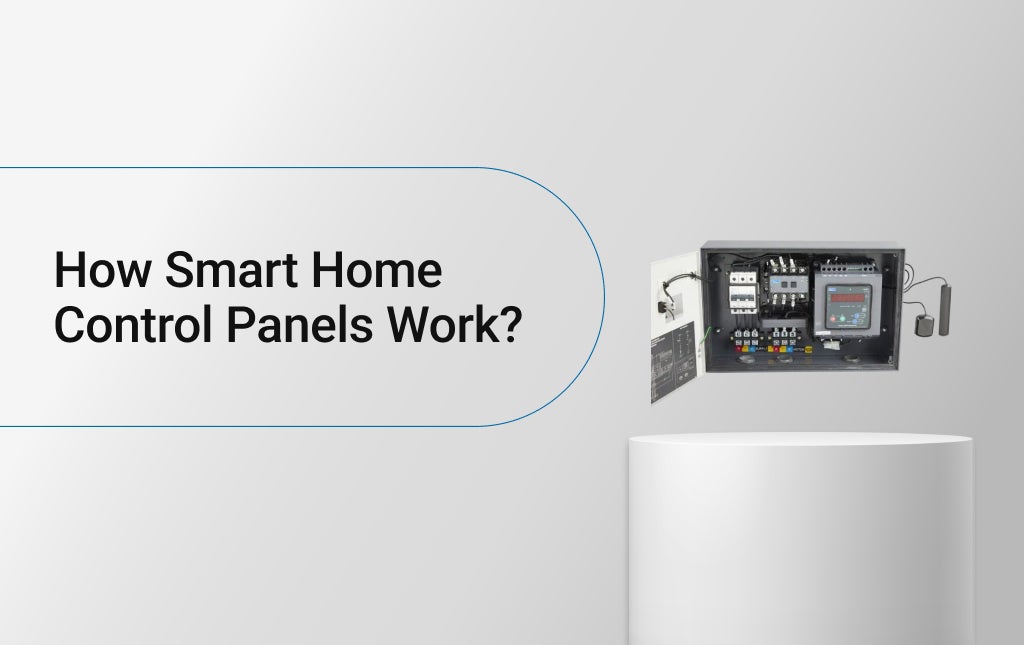
How Smart Home Control Panels Work?
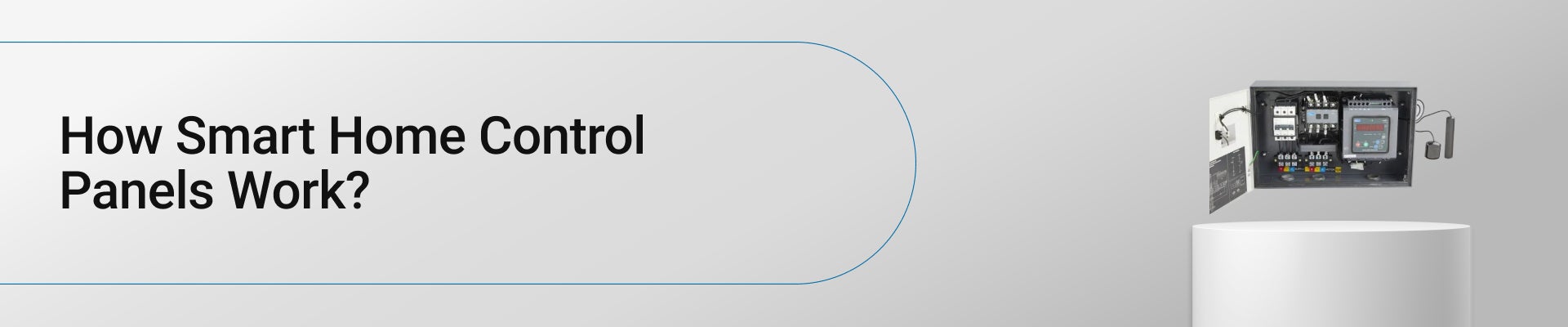
A modern home runs differently today. Lights come on as someone walks in. The fan slows down when the room cools. Curtains slide on their own when the sunlight gets too strong. All that happens because of one small system- the smart home control panel.
Table of Contents
• What a Smart Home Control Panel Does?
• Smart Board Control Panel Features
It’s the quiet piece of technology that ties everything together. It doesn’t get noticed much, but nothing in a smart home works right without it. The panel connects lights, sensors, thermostats, and even door locks so they talk to each other instead of acting alone.
What a Smart Home Control Panel Does?
A smart home control panel sits in the center of the whole system. It’s like a digital control board for the house. Instead of walking around flipping switches or opening ten different apps, one screen handles everything.
The home automation control panel doesn’t need constant attention. It just keeps everything linked and ready to respond.
Brings All Controls into One Place
A smart home control panel acts as a central point where everything comes together. Lights, fans, appliances, and security features are handled from one screen. This avoids moving between rooms or apps and makes everyday control feel simpler and more organised. It becomes the first place people check when they want to manage the home quickly.
Runs Daily Scenes and Routines
Instead of operating devices one by one, the panel allows routines to run together. Morning and night scenes handle multiple actions at once. This helps the home follow a predictable rhythm without needing repeated manual commands every day. Over time, these routines start feeling like part of the household’s natural schedule.
Sends Commands Across Devices
When a button is tapped or a scene is selected, the panel sends instructions to different systems at the same time. Lights adjust, appliances respond, and security features react together. The panel doesn’t perform the task itself. It coordinates everything smoothly. This coordination reduces delays and avoids devices acting out of sync.
Keeps the System Ready at All Times
The control panel stays active in the background. It doesn’t need constant interaction to work. Once set up, it maintains communication between devices so they respond immediately whenever a command or routine is triggered. This always-ready state helps the system feel reliable rather than reactive.
Simplifies Everyday Interaction
The biggest role of a smart home control panel is reducing effort. Tasks feel quicker and more natural. Over time, using the home becomes less about operating technology and more about letting things happen automatically as expected. The result is a home that responds smoothly without constant supervision.
How the Panel Works
Every panel follows the same simple flow. The process isn’t complicated, just fast.
1. A command goes in through the touchscreen, phone, or voice assistant.
2. The system processes the command and converts it into a signal.
3. That signal travels through Wi-Fi, Zigbee, or another wireless channel.
4. The connected devices carry out the job.
5. A confirmation comes back, and the panel updates the display.
That’s it. It happens in seconds. The home automation panel keeps listening, sending, and confirming all day, like a silent operator that never gets tired.
Inside the Panel
The construction of a smart home control panel hides several parts under its clean front.
• A small processor runs everything.
• A flat touch display shows lights, fans, and room data.
• A network module handles Wi-Fi or Zigbee signals.
• A power circuit keeps it stable, even when voltage changes.
• A layer of software links the screen to mobile apps or cloud systems.
It looks simple on the outside, but inside, it’s built for quick communication and constant reliability.
Different Types
Not all setups use the same panel. There are a few types of smart home control panels, depending on the house and system size.
• Standalone panels: Work locally without internet; good for smaller setups. Some homes go with panels that don’t depend on the internet at all. Everything stays inside the house. No cloud. No remote access. These are usually picked when people want things simple and predictable, especially in smaller homes or places where connectivity isn’t always reliable.
• Wi-Fi panels: Connect through the router and support phone control. Many modern setups lean on Wi-Fi. These panels stay connected to the home router and make phone control possible. People often like them for convenience- checking lights, switching things off, or just making sure everything looks fine while they are away.
• Zigbee or Z-Wave panels: Form their own mesh network; ideal for big homes. Wi-Fi doesn’t always reach everywhere, especially in bigger homes. This is where Zigbee or Z-Wave comes in. Devices talk to each other instead of one central point. This usually helps signals travel further and stay steady across rooms and different floors.
• Hybrid systems: Mix wired and wireless links for stronger performance. Some houses don’t fit neatly into one category. Hybrid panels mix wired and wireless connections. Core systems stay on fixed lines, while others remain flexible. This setup often happens over time, as homes expand or automation grows in stages rather than all at once.
Each one serves a slightly different need but does the same main job- running all smart devices from one point.
Smart Board Control Panel Features
The smart board control panel brings convenience first. It removes manual routines, saves time, and cuts energy waste.
Common features include:
• One screen to manage lights, temperature, and curtains.
• Scheduling to turn devices on or off automatically.
• Security control for cameras and door locks.
• Energy tracking to show what’s using power.
• Voice-assistant support for hands-free use.
Every home can run differently, but the purpose stays the same- simplicity and control without extra effort.
Smart Touch Panels
Most new systems use a smart touch panel for home automation. It looks like a small tablet on the wall. The screen shows which lights are on, what temperature the room is, and whether the doors are locked. A single tap can trigger a “Work Mode,” “Relax Mode,” or “Sleep Mode.” The panel sends the command, and every connected device responds instantly. In large homes, there’s usually one near the entrance, one in the bedroom, and another near the main living area, so access is always nearby.
Choosing the Best Smart Home Control Panel
Selecting the best smart home control panel depends on how the system is built. A few things usually matter most:
• Works with existing smart switches and sensors.
• Interface stays easy to understand for all users.
• Connects with assistants like Alexa or Google.
• Matches the interior look- panels now double as decor.
• Allows more devices to be added later.
A well-chosen smart control panel for home doesn’t just look good; it stays responsive for years.
How It’s Installed
Setting up a smart home automation control panel takes planning. The steps usually go like this:
1. Mounting the unit on the wall near the main switchboard.
2. Pairing the lights, fans, and other devices to the network.
3. Configuring automation settings and user preferences.
4. Testing all commands for smooth operation.
After installation, the system runs on its own. The panel handles commands through touch or app, while schedules and sensors keep daily routines automatic.
Energy and Safety Control
Energy saving has become one of the key reasons for using a smart board control panel. The panel records power use, detects waste, and can turn off devices that run too long. Linked sensors watch temperature, motion, and light to make sure energy is used only where needed.
The same system adds safety. Doors and cameras tie directly into the panel. If something unusual happens, alerts appear on the screen or phone immediately. This combination of power management and security makes a smart system practical, not just modern.
Future Direction
The demand for home automation panels keeps growing. Builders now include them in new homes as standard equipment. Upcoming versions may include solar-energy management, EV charging integration, and voice recognition that identifies family members.
As automation expands, the smart home control panel will remain the main point of coordination between people, devices, and energy systems.
Also Read: Everything You Need to Know About Home Lighting Automation
Conclusion
A smart home control panel serves as the command center of a connected home. It links every device, manages communication, and keeps all systems aligned. Whether installed as a smart touch panel for home automation or a complete home automation control panel, it makes living spaces easier to manage and more efficient to run.
The best smart home control panel blends reliability, simplicity, and adaptability- handling both comfort and security through one unified design. You can find the most reliable ones at the SmartShop of Lauritz Knudsen Electrical & Automation. Shop today to enjoy convenience and best quality.
FAQ About Smart Home Control Panels
Q1. Can I control my smart home devices when I’m not at home?
Ans. In many homes, people do control things remotely, but it depends on how the system is set up. If the panel connects through the internet, checking lights or switching something off from outside usually works. Without connectivity, control stays limited to inside the house.
Q2. do smart home panels save electricity?
Ans. They don’t actively reduce power on their own. What they really do is make it easier to notice waste. Lights don’t stay on by mistake. Appliances are not forgotten. Over time, people simply become more aware of what’s running and what doesn’t need to be.
Q3. Do smart home control panels need special wiring?
Ans. Not in every case. Some panels fit into existing wiring and rely more on wireless connections. Others use a mix of cables and wireless links. It usually depends on how old the house is and how much automation is being added at once.
Q4. What are the benefits of smart home control panels ?
Ans. Most people notice fewer small hassles. There’s less walking around, fewer switches to remember, and fewer apps to open. Things happen in the background, which makes the home feel calmer and easier to manage rather than more technical.
Q5. How reliable are smart home control panels in daily use?
Ans. Day to day, they are usually quite steady. Once set up, they don’t need much interaction. Problems tend to come more from network issues than the panel itself. When the setup is simple, reliability usually is not something people think about often.
Q6. Is a control panel better than smart switches alone?
Ans. It depends on how much is being controlled. For a few lights, switches are enough. As more devices get added, a panel helps keep things organised. Many people move to panels only after switches start feeling scattered.

Comments